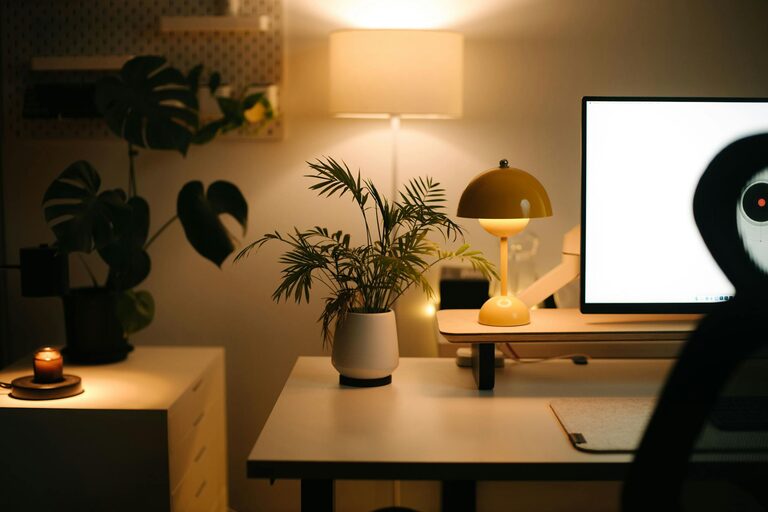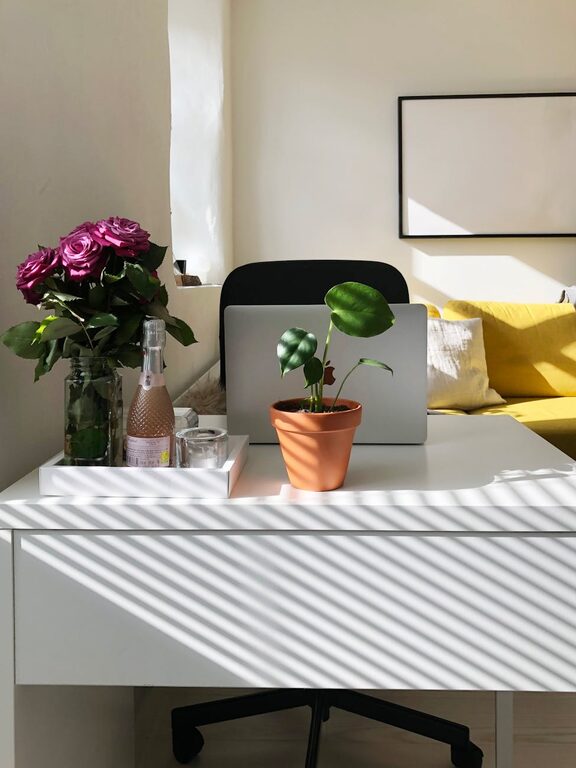

Creating a cozy and productive home workspace is essential for anyone who spends significant time working from home. A well-designed workspace not only improves focus and efficiency but also promotes well-being and comfort during work hours. Whether you have a dedicated room or a small corner, these tips will help you transform your space into a personal productivity haven.
1. Choose the Right Location
Prioritize Natural Light
Position your workspace near a window if possible. Natural light can improve mood and energy levels, reducing eye strain. If natural light isn’t an option, invest in good quality artificial lighting that mimics daylight.
Minimize Distractions
Select a quiet area away from high-traffic zones in your home. This will help you concentrate better and keep interruptions to a minimum.
2. Invest in Comfortable and Supportive Furniture
Ergonomic Chair and Desk
Comfort is key to a productive workspace. Choose an ergonomic chair with adjustable height and good lumbar support. Pair it with a desk at a comfortable height to maintain good posture and reduce the risk of strain.
Keep Essentials Within Reach
Organize your desk so that frequently-used items like your computer, mouse, notebooks, and pens are within easy reach to avoid unnecessary movements.
3. Personalize Your Space
Add Cozy Elements
Incorporate soft textiles like a throw blanket or a cushion for added comfort. A small rug can also make your workspace feel warmer and more inviting.
Incorporate Plants
Indoor plants not only add a touch of nature but also improve air quality and reduce stress levels.
4. Organize for Efficiency
Declutter Regularly
A tidy workspace helps clear your mind. Use drawers, shelves, or boxes to keep supplies organized and your desk surface free of clutter.
Use Cable Management
Keep cords neat with clips or cable organizers to prevent tangles and keep your desk looking clean.
5. Optimize Technology Setup
Monitor Placement
Position your monitor at eye level to maintain good posture and reduce neck strain.
Invest in Quality Equipment
A reliable keyboard, mouse, and headset can enhance your comfort and productivity.
6. Control Sound and Ambiance
Noise-Canceling Options
If noise is a concern, consider noise-canceling headphones or white noise machines to maintain focus.
Personalize with Music or Silence
Some people work best in silence, while others prefer background music. Find what works for you to create a motivating environment.
7. Establish Boundaries
Set Work Hours
Define clear start and end times to separate work from home life, helping maintain balance and reduce burnout.
Communicate Your Workspace Needs
If you share your home, explain your workspace boundaries to family or roommates to minimize interruptions.
8. Maintain Healthy Habits
Take Regular Breaks
Step away from your desk every hour to stretch and rest your eyes.
Keep Water Nearby
Staying hydrated supports concentration and overall health during work hours.
—
By applying these tips, you can create a home workspace that feels both cozy and efficient. Remember, the best workspace combines comfort with organization, technology, and boundaries, so you can stay focused and enjoy your work-from-home experience.

Related Posts